The experience before
the music starts.
A mobile concept that connects discovering an event, choosing a date, and accessing a ticket.
- Role
- Sole designer
- Scope
- Research, wireframes, UI & testing
- Tools
- Figma
- Format
- Mobile design prototype
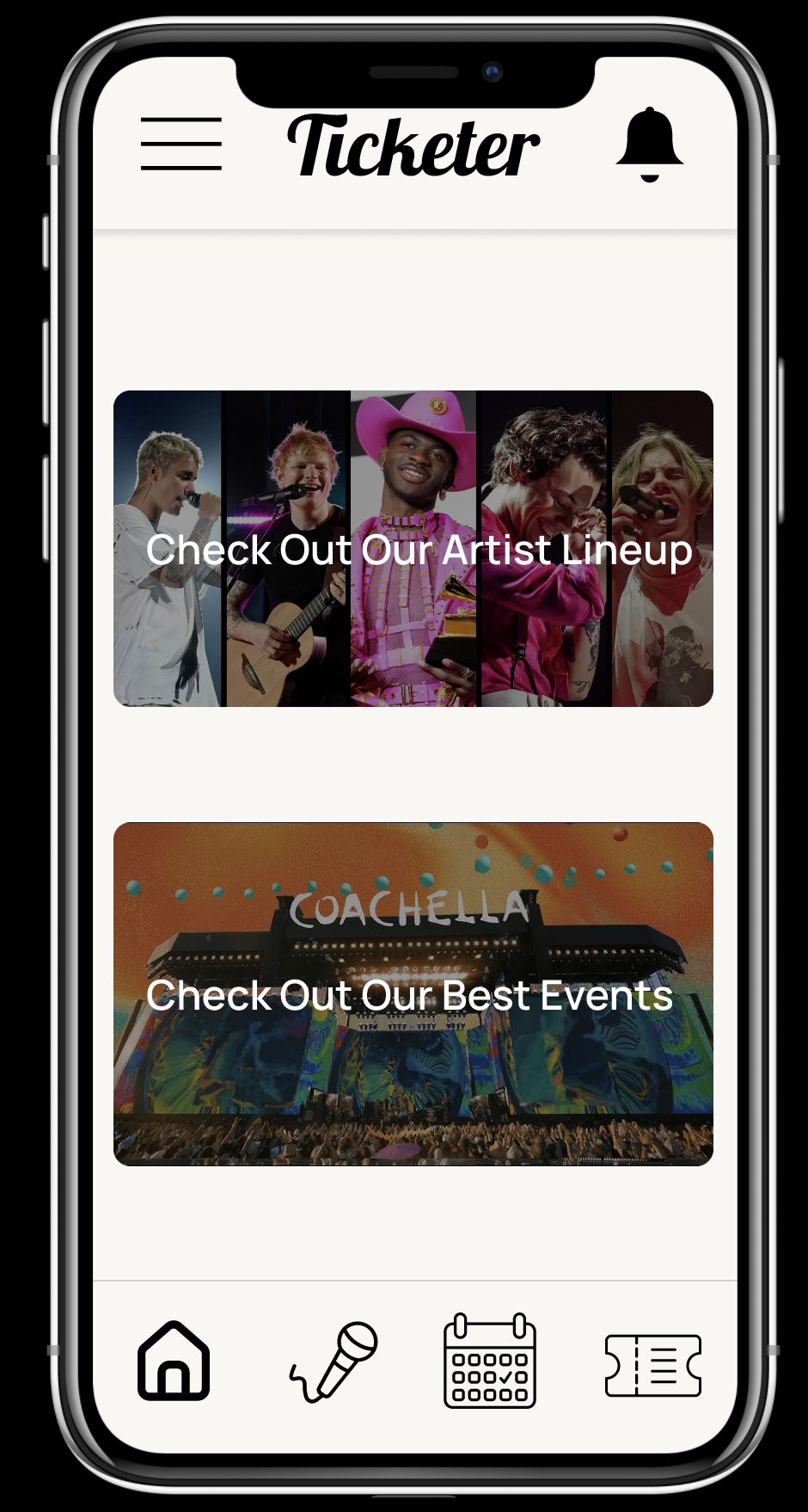
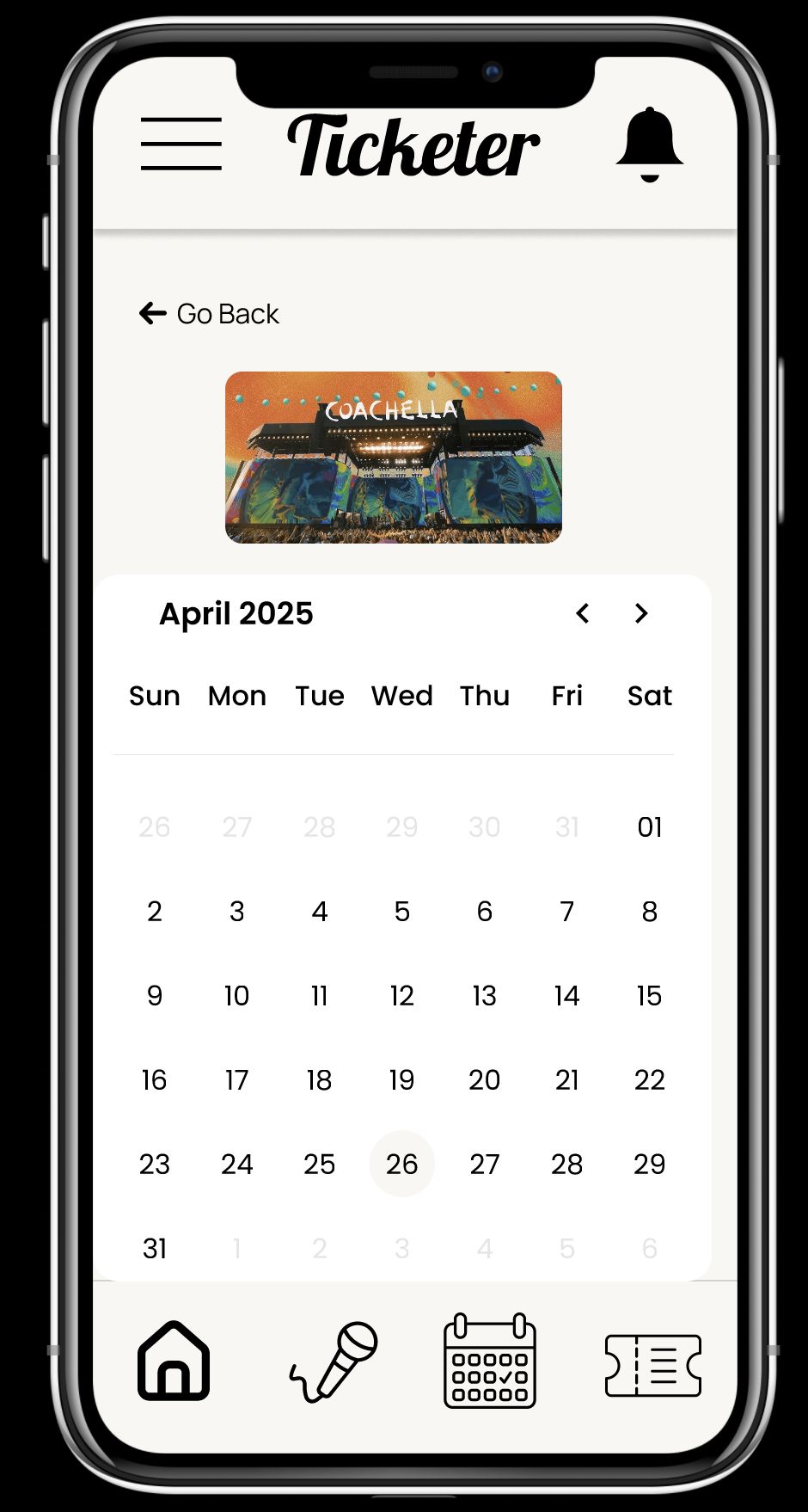
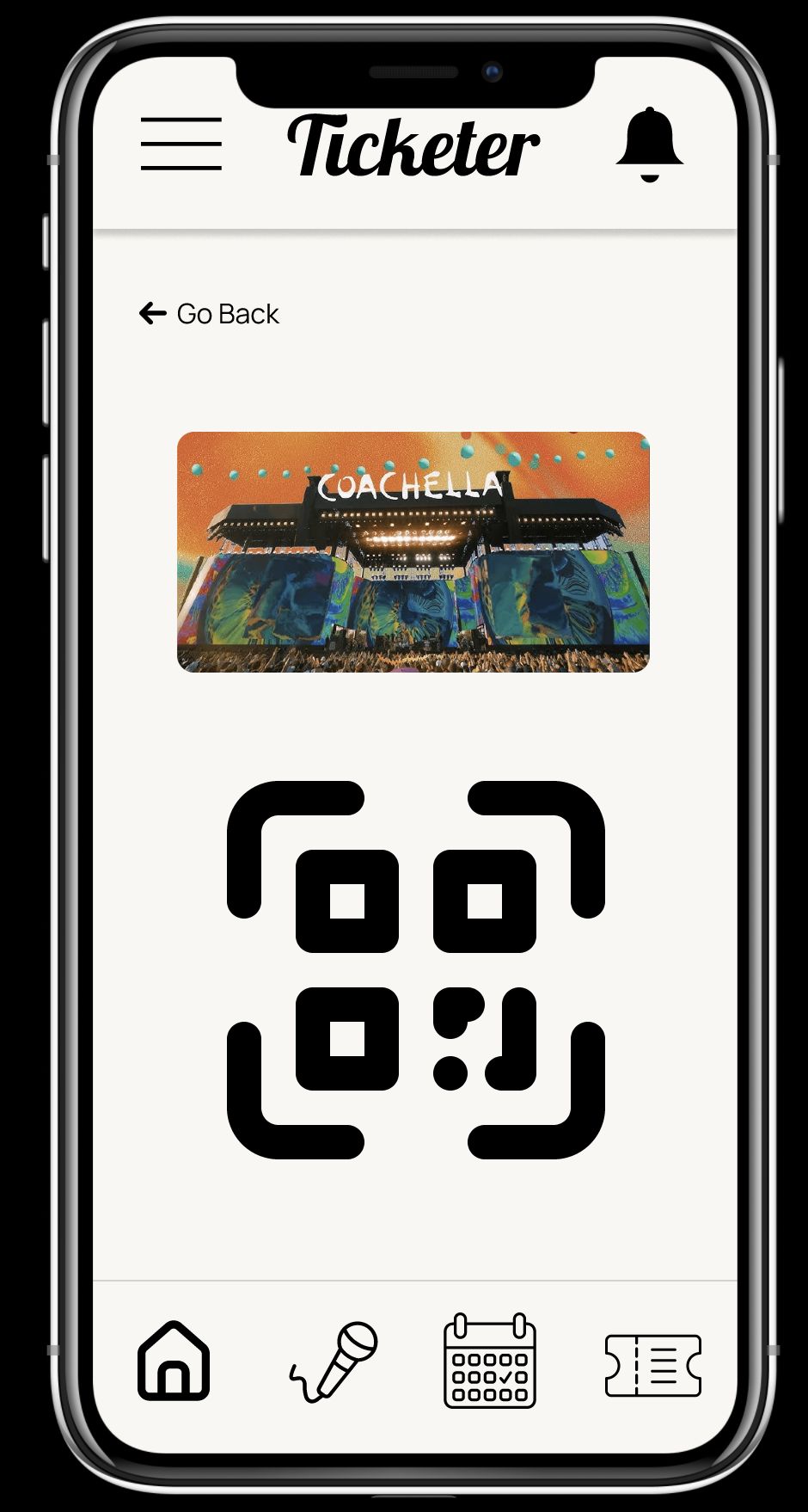
Original project screens from the GD210 final presentation.
One app for the moments around an event.
Ticketer is a solo mobile design project built around three attendee goals: viewing artist lineups, choosing events through a calendar, and accessing a ticket for entry.
I designed the project from low-fidelity layouts through the high-fidelity screens. The final concept uses a persistent bottom navigation to connect home, artists, the calendar, and tickets.
Discover. Choose a date. Find your ticket.
Explore a lineup.
The home and artist screens introduce events and performers.
Choose an event date.
A calendar gives the date-selection task a dedicated place in the interface.
Access a ticket.
A ticket screen presents a QR-code concept for event entry.
Work through the task before polishing the screen.
I used interviews, guided cognitive walkthroughs, unassisted walkthroughs, and A/B comparisons as part of my design process. Low-fidelity screens helped define the main structure before I developed the visual interface in Figma.
The final board brings the same off-white background and recurring navigation across the app. The project focuses on making the three primary tasks understandable and connected.
The screens are a design prototype. They do not demonstrate live booking, generated tickets, or a working scanning system.
Make every screen’s next action explicit.
The next refinement is to distinguish event discovery from tickets already owned, add useful event details, and pair navigation icons with clearer labels and selected states.
I would evaluate the complete path from choosing an event to retrieving its ticket, including how someone recognizes the right event, date, and ticket status. The emphasis is on a clear task sequence rather than adding more features.
View the design in FigmaFigma access may be required.